

Background Studio

Make Your Vehicles Stand Out
Remove the background clutter in your vehicle photos and make your inventory stand out from the crowd with our simple but powerful background removal and replacement tool. Background Studio offers lots of flexibility to get exactly the look you want with minimal effort.
Get Started
Turn every photo into a premium listing with Background Studio.

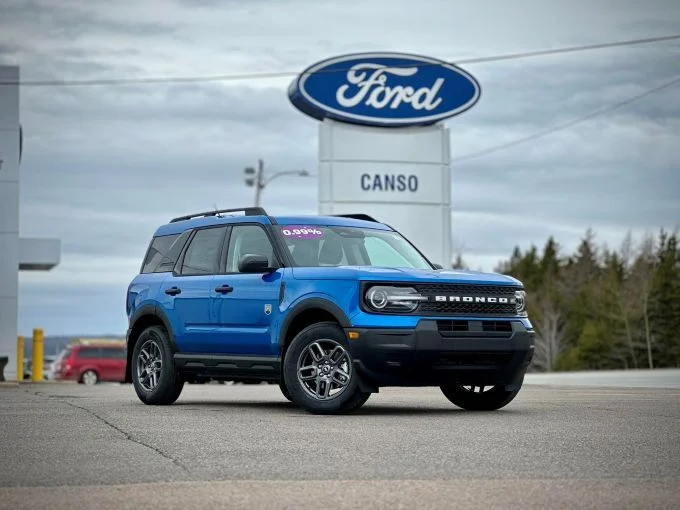
Remove The Clutter
If your vehicle photos are taken on the lot, you probably have lots of background clutter that distracts buyers from the vehicle they’re trying to see.
Add a Background
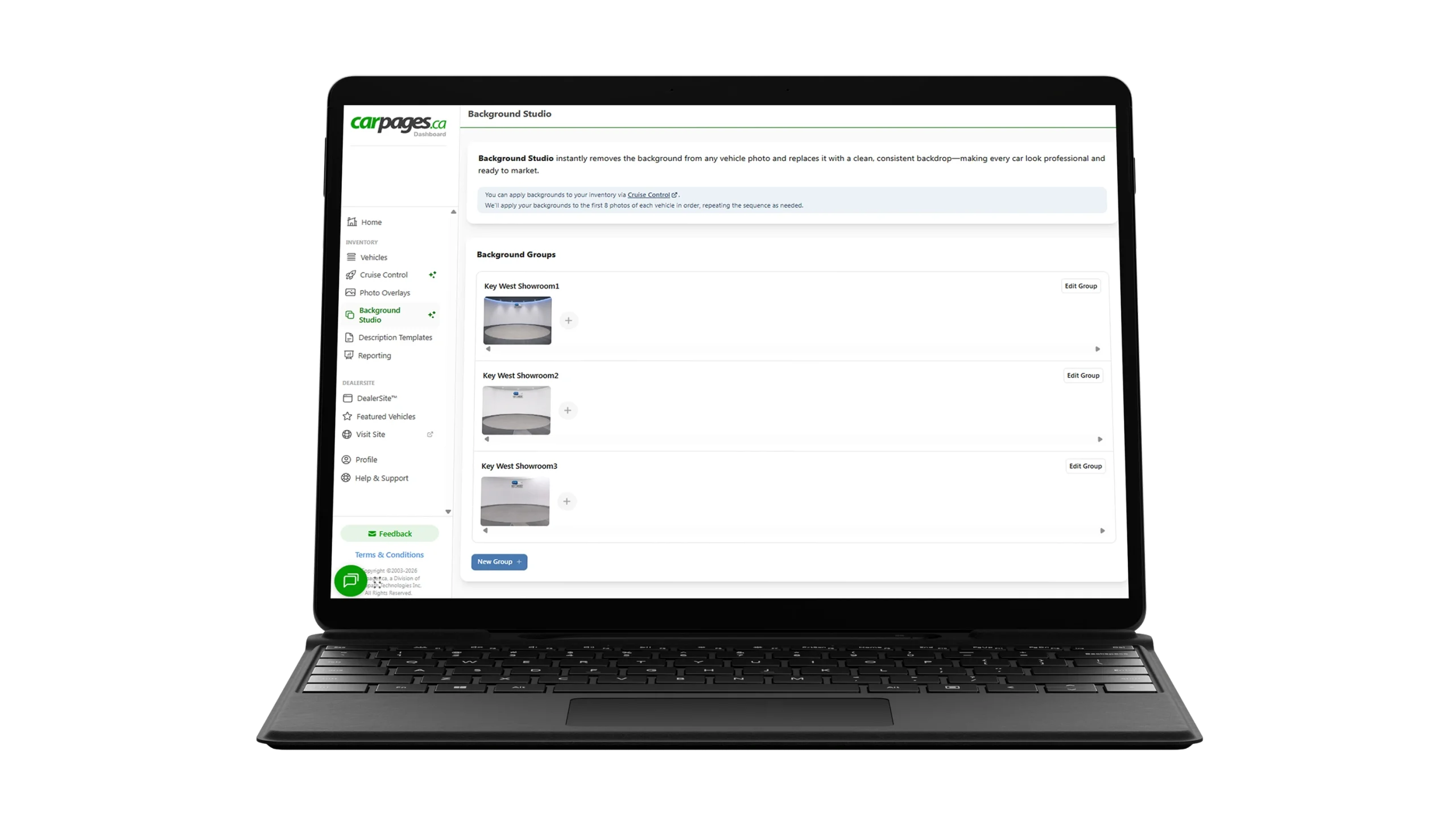
Set up one or more background images that will make your vehicles pop. You can upload your own backgrounds or choose from some preset options.
Make it Automatic
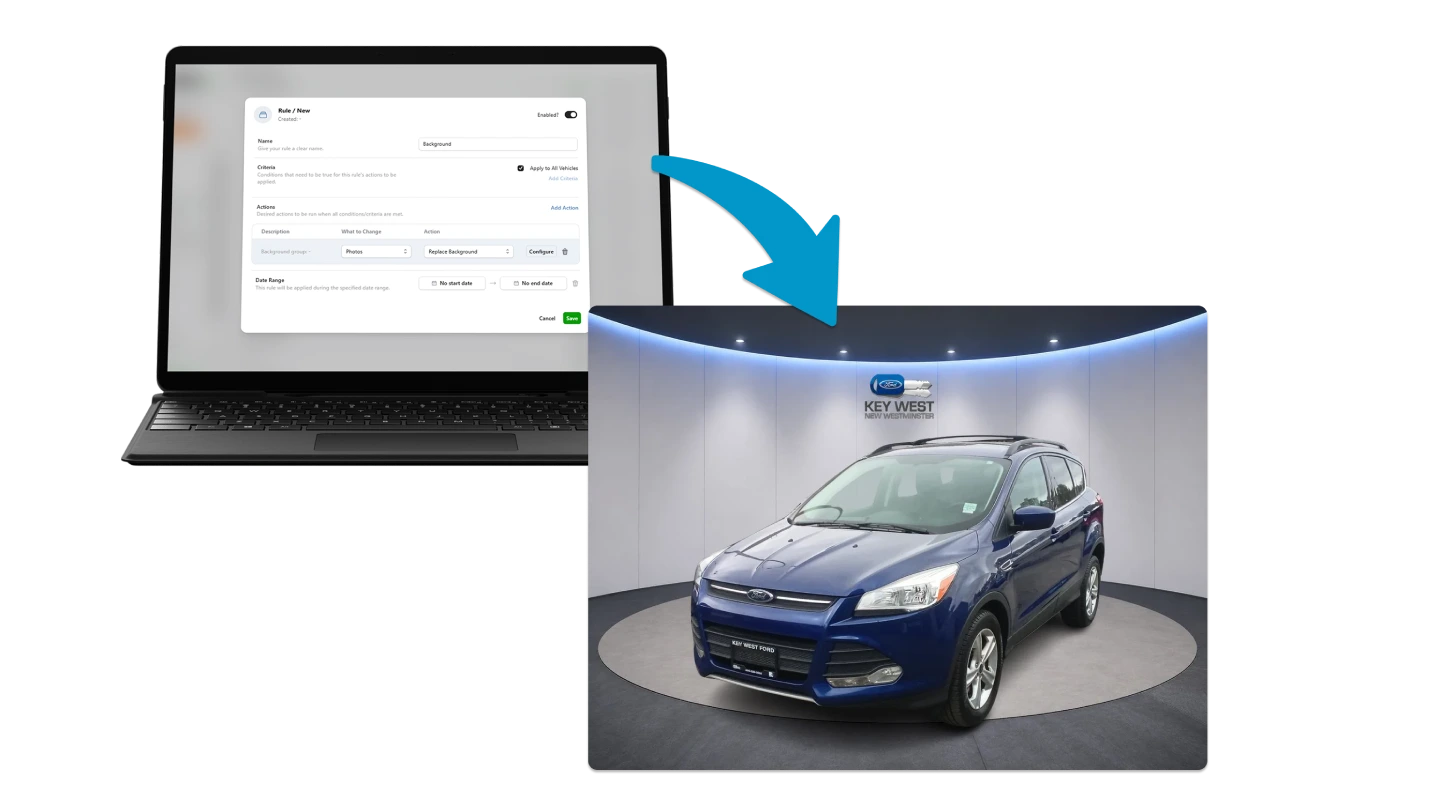
Use Background Studio with Cruise Control, and your vehicle images will be automatically transformed into beautiful masterpieces whenever new inventory is added.
How It Works
Add Your Vehicle Photos
Upload your vehicle photos as you normally would. Background Studio works with your existing inventory images, so there’s no need for a special photo setup.
Replace the Background
Background Studio removes distracting lot backgrounds and isolates the vehicle, then replaces the original setting with a clean, professional backdrop. Choose from preset backgrounds or upload your own.
Create a Consistent Digital Showroom
Give every vehicle in your inventory the same polished, professional look so shoppers can focus on the vehicle—not what’s happening in the background.